Find what’s hiding in plain sight.
Search names, filter your view, and explore by category. Get to the files that matter without opening folder after folder.
 disklume.Coming to your Mac
 Big folders. Forgotten files. A clearer picture.
Meet the visual storage explorer that helps you understand what’s taking up space.
Go from the big picture to the smallest detail.
Three ways to explore. One clearer understanding.
Every arc is a folder.
Every layer takes you deeper.
Larger blocks mean more space.
The outliers become obvious.
Explore the hierarchy in a familiar list.
Find the files behind the picture.
Captured in the macOS app with its built-in sample dataset. Explore the details at full size.
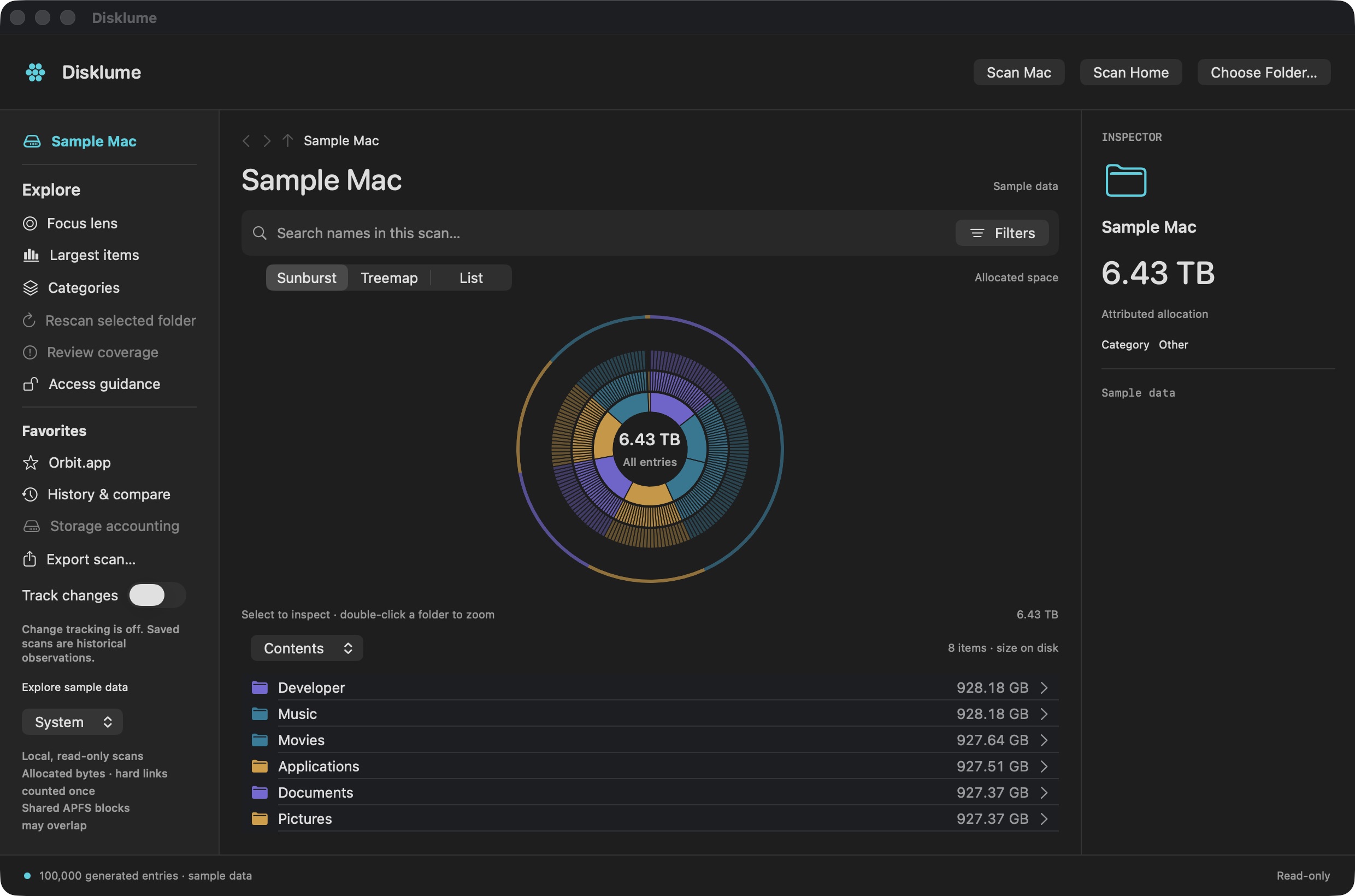
Sunburst brings nested folders into one view.
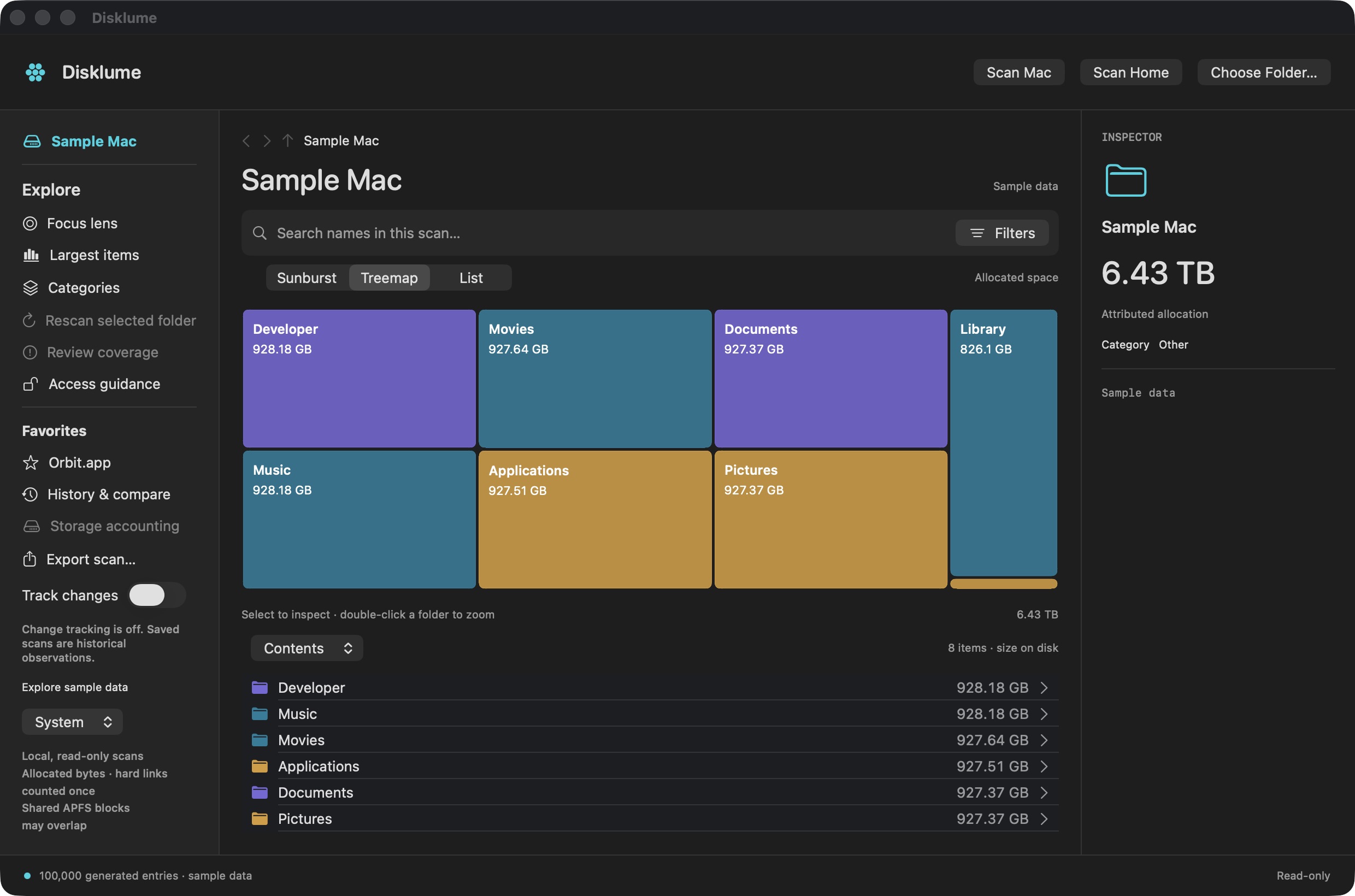
Treemap makes folder sizes easy to compare.
Screenshots show generated sample data, not files from a personal Mac. The animated illustration above is a website demo.
For the moment your Mac feels full and you want to know why.
Search names, filter your view, and explore by category. Get to the files that matter without opening folder after folder.
Keep scan history, compare saved scans, and track filesystem changes. Understand how your storage evolves over time.
Export your scan as CSV or JSON. Names and paths stay out by default; include them only when you choose.
Disklume reads your storage. It doesn’t delete your files, upload your scans, or ask you to create an account. You decide which folders it can see.
Read our privacy policyNo. Disklume is a read-only explorer. It helps you understand your storage; it does not delete or move the files it scans.
Disklume is built for Apple Silicon Macs running macOS 14 or later. It focuses on internal storage. External, removable, and network drives are not supported.
Only locations macOS permits and folders you authorize. Protected or unreadable areas are reported as partial coverage. Full Disk Access does not replace the sandbox folder picker. APFS snapshot details are unavailable in the sandbox edition.
The first App Store release is being prepared. We plan to launch free. There is no public download yet; this page will be updated when it is available.
A new perspective on your Mac’s storage.
Coming to the Mac App Store. Free at launch.